Garden Planting Logbook KDP Interior: Streamlining Your Garden Tracking and Publishing Workflow
A well-organized garden requires more than just soil and seeds—it demands consistent observation, methodical record-keeping, and a system that captures planting dates, growth stages, harvest times, and seasonal notes. The Garden Planting Logbook KDP Interior provides a ready-made template for both creating a physical, printable logbook and launching a low-content book on Amazon KDP. Whether you are an avid gardener looking to fine-tune your own tracking or a publisher building a catalog of practical journals, this interior gives you a structured workflow for collecting planting data while meeting the technical requirements of KDP publishing.
Understanding the Garden Planting Logbook KDP Interior
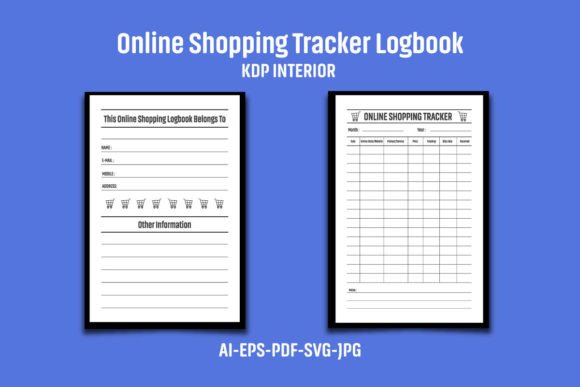
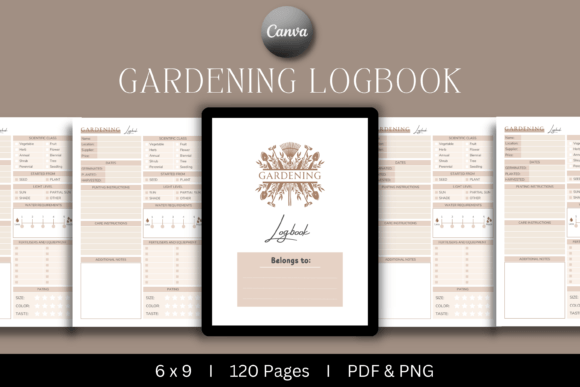
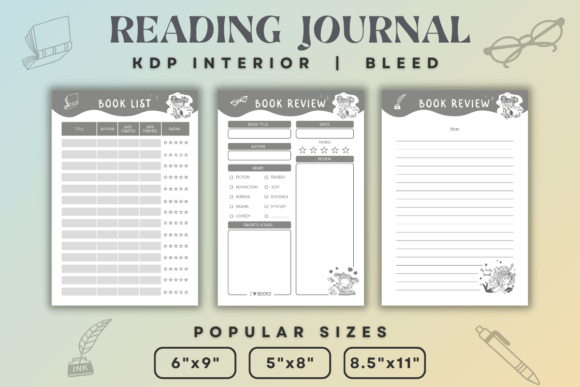
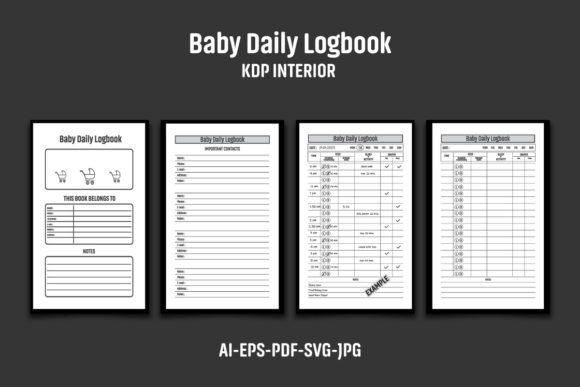
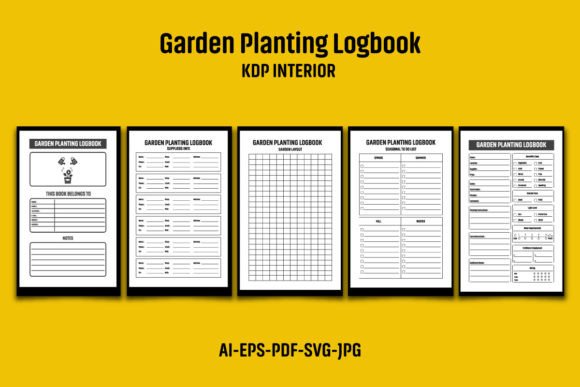
This interior set includes five file formats: AI, EPS, PDF, JPG, and SVG, all designed for a 6″x9″ paperback book with bleed (the overall dimensions are 6.12 x 9.25 inches). The 110-page, black-and-white layout supports easy color changes, and the high-resolution 300 DPI ensures crisp printing. Because the files are supplied in a compressed ZIP archive, unzipping with WinRAR or a similar tool is the first step before any editing begins.
While the interior provides a solid foundation, Amazon’s duplicate content policy requires you to add your own logo or graphic to each page before uploading. The stock images, mockups, and sample text shown in product presentations are not included—you must supply your own branding and visual elements. This step transforms a generic template into a unique product that reflects your publishing identity.
Before Publishing: Planning Your Garden Logbook Project
The Garden Planting Logbook KDP Interior fits into the early stage of two parallel workflows: your own garden planning and the publishing process itself. Before you open any design software, decide on the scope of your logbook. Will it cover a single growing season, multiple years, or focus on specific plant categories like vegetables, herbs, or flowers? The 110-page structure gives enough space for detailed entries, but you can adjust the page count or duplicate sections depending on your audience.
If you are a publisher, consider the end-user’s perspective. Gardeners need clear prompts for dates, variety names, soil conditions, watering schedules, pest observations, and yield notes. The template’s layout should support fast, on-the-spot data entry. If you are a gardener creating a personal log, you might skip the branding step and simply print the PDF—but for KDP, customization is mandatory.
Setting Up Your Editing Environment
Open the AI or EPS file in Adobe Illustrator (CS6 or later) to modify vector elements. The SVG alternative works for other vector editing tools like Inkscape or Affinity Designer. For quick changes to the black-and-white layout, use the PDF in a program like Adobe Acrobat Pro—though adding a logo directly to each page is more straightforward in a layout editor. The JPG files serve as high-resolution previews or can be used for mockup generation, but they are not editable for final print.
Because the interior includes bleed, ensure any added graphics stay within the safe zone (usually 0.25 inches from the trimmed edge). Amazon’s KDP guidelines require a 0.125-inch margin for content and a 0.25-inch bleed for elements that extend to the edge. If you place your logo near the spine or edge, keep it inside the margin to avoid trimming.
During the Publishing Workflow: Integration and Quality Control
The Garden Planting Logbook KDP Interior interacts directly with your KDP bookshelf and any proofing tools you use. After customizing the interior, export a clean PDF following Amazon’s specifications: no encryption, all fonts embedded, and color space set to grayscale or CMYK for black-and-white interiors. The pre-built files are already 300 DPI, so resolution is not a concern.
Run the PDF through KDP’s Online Preview tool to check for layout shifts, missing bleeds, or logos that appear too close to the edge. Since the template is black-and-white, test a few pages with a laser or inkjet printer to confirm that the contrast works well for field reading (especially important if your target users will take the logbook outdoors).
Consistency Across Multiple Journals
If you plan to publish a series—for example, a vegetable garden logbook, a flower planting journal, and a greenhouse tracker—the vector files allow you to tweak section headers, page counts, and prompt fields while maintaining a uniform design language. Store the AI or EPS master file with your logo already embedded; then duplicate it for each new title, adjusting only the content-specific text. This approach saves hours of repetitive formatting.
For long-term use, keep a style sheet that records font names, line spacing, and page margin settings. When you revisit the file months later, you won’t have to reverse-engineer the original design.
After Publishing: Supporting the End User’s Gardening Process
The real value of a garden planting logbook emerges when the user incorporates it into their seasonal routine. Whether the book is a tool for a professional landscaper, a community garden coordinator, or a home hobbyist, the logbook serves as a reference for future planning. Entries made during the growing season (planting, watering, fertilizing, pest control) feed into after-season analysis: which varieties performed best under specific weather conditions, which soil amendments improved yield, and how staggered planting dates affected harvest windows.
The Garden Planting Logbook KDP Interior can be used before the season as a planning sheet (mapping out crop rotations and ordering seeds), during the season as a daily or weekly record, and after the season as a historical archive to refine next year’s strategy. The compact 6″x9″ size fits easily into a gardening apron pocket or a tool shed shelf, encouraging regular use.
Integrating with Digital Tools
Gardeners often supplement a physical logbook with apps like weather trackers, pest identification guides, or online planting calendars. The logbook can reference these tools: for example, a column for “weather app data” or “soil test results” bridges the analog and digital worlds. As a publisher, you might include a brief note in the introduction suggesting how to combine the logbook with mobile notes or a spreadsheet for long-term data analysis.
Practical Implementation Tips for Publishers and Creators
- Branding strategy: Add your logo to the cover and the interior header/footer. Even a small watermark on each page helps differentiate your title from others using the same template. Avoid generic clip art; use original graphics that align with your niche.
- Page numbering and indexing: The 110-page structure may benefit from a table of contents. You can edit the vector file to add an index page or numbered sections for quick reference.
- Test printing before uploading: Print two or three pages with black-and-white laser to check if the layout remains readable. Adjust line thicknesses in the AI file if needed.
- Update for seasonal relevance: Publish a new edition each year with updated date fields or region-specific prompts. The editable file makes versioning easy.
- Compliance with KDP guidelines: Remove any placeholder text or sample graphics included in the original ZIP. Use the “check for duplicate content” feature in KDP’s interface after your customizations.
Efficiency Gains from the Vector Foundations
Because the interior comes as AI, EPS, and SVG, you can batch-edit multiple pages without resizing or redrawing. For example, you can create a master layer for your logo and copy it across all artboards in Illustrator. The PDF serves as a fallback for quick proofs, while the JPGs help you create marketing mockups (though mockup assets are not included). Storing the ZIP file in a cloud drive ensures you can access the source files from different computers or collaborators.
Long-Term Use and Scalability
The Garden Planting Logbook KDP Interior is not a one-time asset. If you are building a publishing business around low-content books, the same template can be repurposed for other journals—just adjust the prompts, rename sections, and change the cover art. The file structure supports modular editing, so you can replace the planting log section with a daily gratitude log or a budget tracker while keeping the base layout.
For personal use, a gardener might print a fresh copy each season, archiving previous volumes for comparison. The consistent format across years makes trend analysis easier: you can quickly find the yield from 2023 versus 2024 in the same layout. Over time, the logbook becomes a cumulative resource that informs decisions on crop rotation, companion planting, and variety selection.
Quality Control Considerations
Before submitting your customized interior to KDP, perform a final checklist:
- Verify that all logos or graphics appear on every page where you want them.
- Confirm that no text overlaps the bleed area (the outer 0.125 inches).
- Check that the PDF file size stays under 650 MB (KDP’s limit).
- Review page count: 110 pages is within the typical range for a low-content book, but note that KDP requires a minimum of 100 pages for certain royalty rates.
- Proofread all customizable text—if the template includes example headers like “Plant Name,” ensure they remain spelled correctly after editing.
Once approved, the interior can be uploaded alongside a complementary cover design. Many publishers use the same interior file for both paperback and hardcover versions by adjusting the bleed and spine width; the vector format makes these adjustments straightforward.
Observation: The Role of a Good Template in the Creative Workflow
A well-designed interior like the Garden Planting Logbook KDP Interior saves the most time-consuming part of publishing: formatting and layout. It provides a structural skeleton that you can flesh out with your own content and branding. For entrepreneurs juggling multiple projects, having a pre-built 6″x9″ 110-page layout means you can go from concept to upload in a fraction of the time it would take to build from scratch. It also reduces the risk of technical errors (wrong bleed, incorrect trim size, missing margins) that lead to rejected manuscripts.
For gardeners who purchase the published book, the value lies in the thoughtful prompts and consistent recording space. The logbook is not just a notebook—it’s a system that encourages methodical observation, which is the foundation of successful growing. Whether you are on the creation side or the usage side of the product, the interior serves as a bridge between an idea and a practical, daily tool.
Ultimately, integrating the Garden Planting Logbook KDP Interior into your workflow is about leveraging templated structure while adding your distinct voice. The file formats give you flexibility; the black-and-white, high-resolution design ensures print quality; and the 110-page scope offers enough depth for a full season of data. Use the vector files to iterate and adapt, and your logbook will evolve alongside your gardening practice or publishing portfolio.